Slope Controls: Keyboard Steering Guide
Slope controls explained: Arrow keys, A/D, alternate keyboard layouts, touch input, steering sensitivity and browser focus troubleshooting.
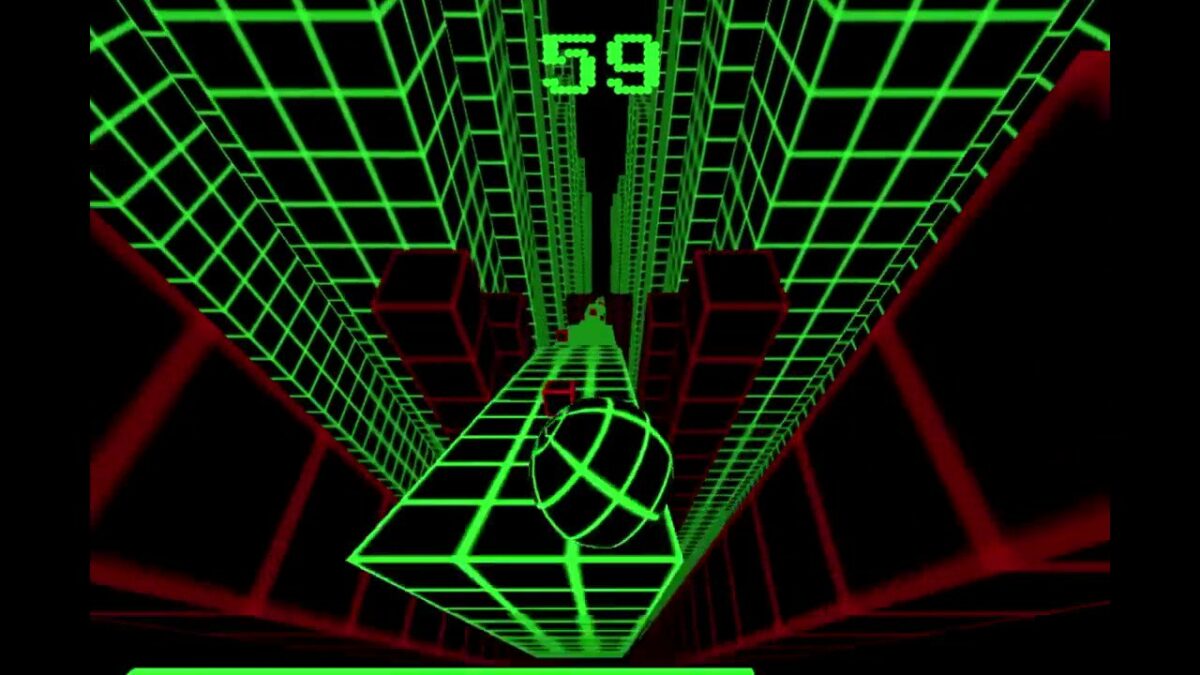
Choose the exact question you want to solve
Slope controls explained: Arrow keys, A/D, alternate keyboard layouts, touch input, steering sensitivity and browser focus troubleshooting. The pages are separated by intent so controls, score, practice and technical troubleshooting do not become copies of the same generic advice.
Slope Arrow Keys: Left & Right Controls
Use the Left and Right Arrow keys in Slope, learn when to tap instead of hold, and keep browser scrolling from stealing input.
Slope A/D Controls: Steering with Letter Keys
Use A and D to steer Slope, choose a comfortable hand position and build shorter, more deliberate inputs at speed.
Slope Q/D Controls and Keyboard Layouts
Some search results refer to “Q/D controls,” but current source pages document Arrow keys/A-D and an alternate Q/A-left, E/D-right layout. This page explains the difference.
Slope Touch Controls & Mobile Input
What to expect from Slope touchscreen controls, why browser builds can differ, and how to judge whether a mobile session is actually responsive.
Slope Steering Sensitivity Explained
Slope steering feels more sensitive as speed and lateral carry increase. Learn how to adapt input length without relying on a fixed tap duration.
How this section fits the whole game
Slope has a small control set, but accurate steering depends on timing, release and how quickly you read the next piece of track. This hub separates the available key layouts from technique so you can solve an input problem without confusing it with route-reading or strategy.
Use open track to learn how the current browser build responds to a short press, a release and a second correction. Once the input feels predictable, move to obstacle-specific practice rather than trying to solve hardware, focus and technique at the same time.
Slope game controls: from key binding to real steering
Slope game controls are intentionally small: the important question is not how many keys exist, but how a left or right input changes the ball's lateral line. Slope keyboard controls work best when the page has focus and the browser is not intercepting the same keys for scrolling or navigation.
Use Arrow keys or A/D when they are presented by the current build. Miniplay documents Q/A for left and E/D for right in addition to Arrow keys, while current Y8 instructions list Arrow keys or A/D. Use the bindings shown by the loaded client, choose one comfortable layout for a session, and compare how short taps, medium holds and complete releases affect the next two seconds of movement.
Three control errors that look like bad reflexes
Input stacking: pressing the opposite direction before the first correction has resolved. Visual lag: waiting until the ball reaches an edge before deciding. Focus loss: the browser, not the game, receives the keyboard event. The first two are gameplay problems; the third belongs in troubleshooting.
Slope controls and Slope game controls are deliberately simple: steer left or right. The difficult part is timing and release, not memorizing a large key map.
Practical takeaways: Slope Controls Hub
Treat “Slope Controls Hub” as an input-calibration problem, not a reflex contest. Use an open early section to verify focus, make one short correction, release the key and watch the resulting line before pressing again. That sequence lets you separate key binding from steering timing and prevents a browser-focus issue from being mistaken for difficult handling.
Connect the test to “Choose the exact question you want to solve” and “How this section fits the whole game”. The useful measurement is whether the chosen input leaves the ball on a line that still gives you room for the next feature. If it does not, change one variable—press duration, release timing or visual target—rather than changing everything at once.
Slope game controls at a glance
Slope game controls are intentionally small: steer left and right, then release the key so you can read the result before correcting again. That simplicity is why Slope controls demand timing rather than memorizing a long command list.