Closing a busy tab helped
Repeat once with the lighter workload and the same player view. If the pauses return when the busy tab is restored, record that comparison. Keep unrelated settings unchanged so the result stays useful.
“Lag” can describe several different problems. First decide whether the game is still loading, the picture is advancing unevenly, or your keys are not producing the expected response.
| Symptom | What to observe | Start here |
|---|---|---|
| Slow first load | The loading message changes, but the scene is not ready. | Loading stages |
| Visible stutter | The scene has pauses or irregular jumps while the run continues. | Compare browser/device workload. |
| Input seems late or absent | The scene may be smooth, but steering does not match your actions. | Check focus and one known control pair. |
A faster run is another possibility: smooth motion can feel harder because the next obstacle arrives sooner. Use the pace guide when the image remains even and the controls still work. That is different from frames going missing.
Note the game name, browser, player view, and whether the pauses begin during loading or during the moving run. Keep this baseline while making the next comparison.
Close a busy background tab or application you do not need. Try a comparable section again. If the result changes, keep the observation without declaring that every future stutter has the same cause.
Try the normal player and a larger view separately. Fullscreen is a display option, not a performance guarantee. Check whether the actual motion improves rather than assuming more screen area is faster.
If the browser gives a graphics or context error, follow its supported settings and help. Acceleration can affect compatibility, but changing it is not a universal fix; hardware crashes and disabled graphics paths can require different action.
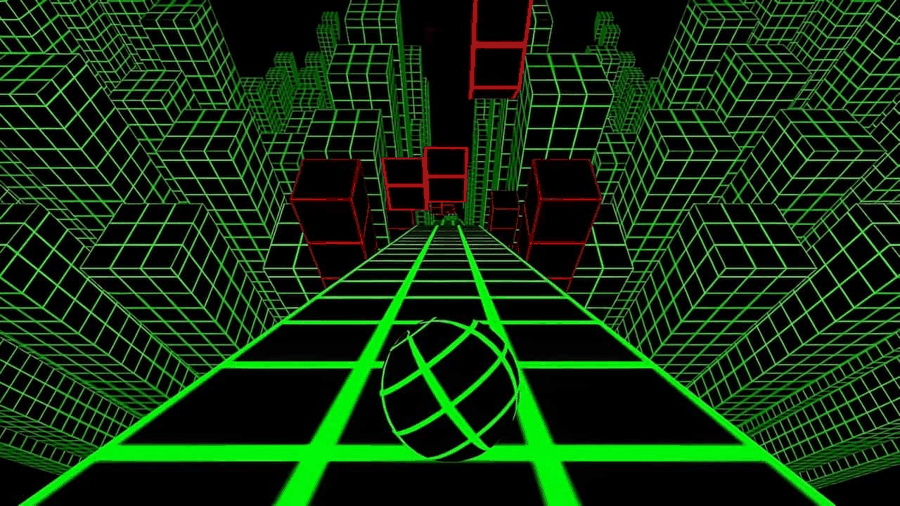
Two attempts can end at different points even when performance is unchanged because the course and your decisions differ. Compare the visible rhythm of motion and the delivery of a familiar input, not only the final score. Keep the run result as separate information.
Repeat once with the lighter workload and the same player view. If the pauses return when the busy tab is restored, record that comparison. Keep unrelated settings unchanged so the result stays useful.
This may belong to initialization rather than live movement. Record the loading stage and any visible message. Repeatedly changing steering keys will not answer whether game files finished arriving.
That points toward focus. Click the running play area and test again, then use the keyboard experiment. Performance settings are a poor first answer to a key delivered to the wrong place.
Stop changing settings once the symptom is repeatable enough to describe. Record whether it happens in both normal and expanded view, whether reducing other workload helped, and whether the game kept receiving input. Those details distinguish a display problem from a lost-focus problem.
If you can reproduce a page defect, use Contact to prepare those details and check contact availability. If the issue is a persistent device limitation or managed setting, use a permitted compatible setup. Broad resets and several simultaneous changes usually make the original symptom harder to understand.