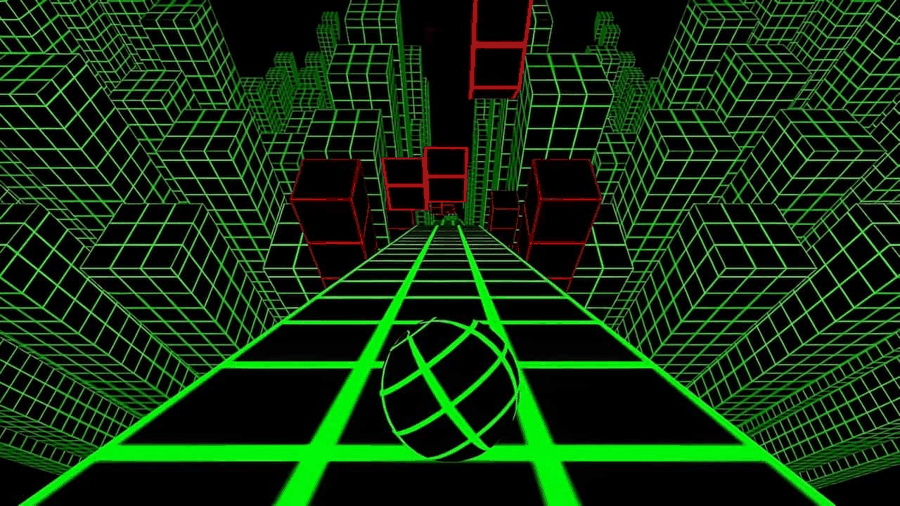
Slope ↗
Choose the original when you want one survival task on the green track, without a collecting shop or a manual jump command.
Choose the action you want in your next run: steer a ball, time a jump, collect items, or tackle a side-view course. Use the results to open a game’s own player and control guide.
All eight playable choices are shown, including the original.
Choose the original when you want one survival task on the green track, without a collecting shop or a manual jump command.
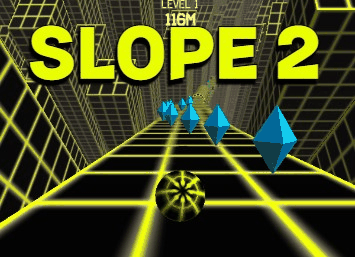
Choose the yellow neon runner when blue gems and item purchases should add a resource choice to your ball route.
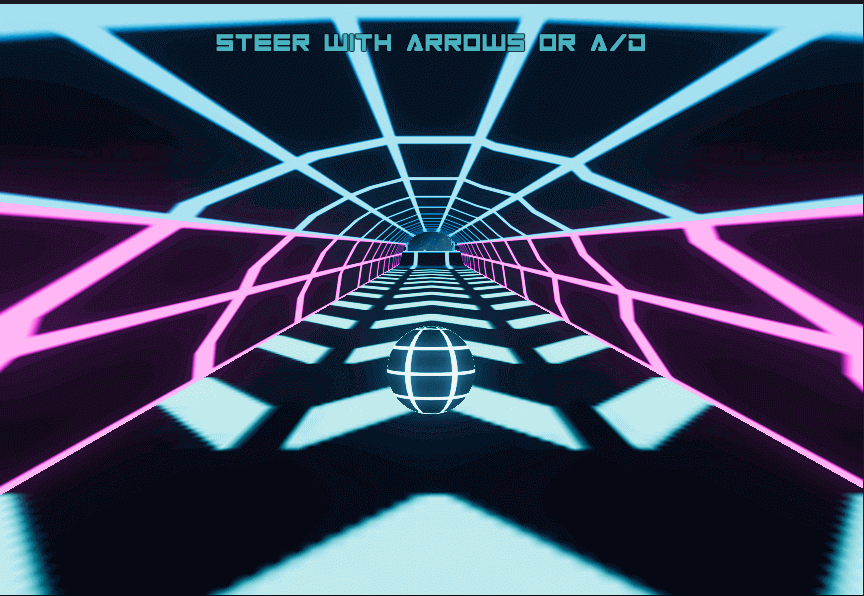
Choose another ball-steering course when a cyan-and-pink geometric scene is the main change you want to read.

Choose space platforms when a manual jump and a choice of Level or Infinite mode sound more useful than another open-track run.
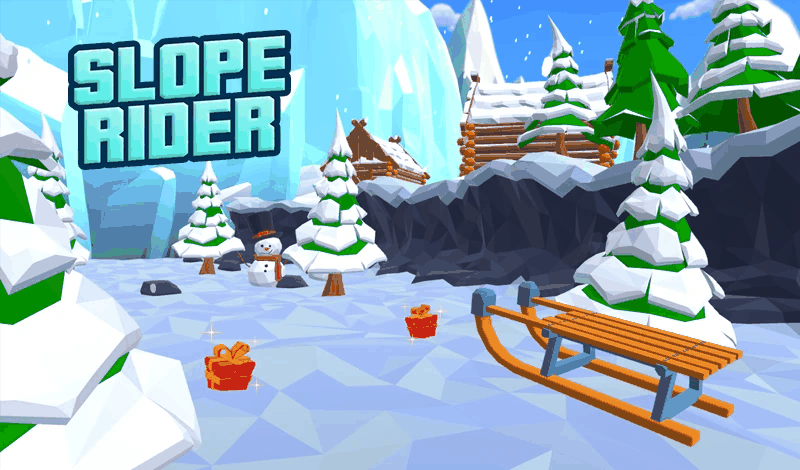
Choose the snowy sled runner when you want ground routes, jump timing, and optional gift collecting in the same session.
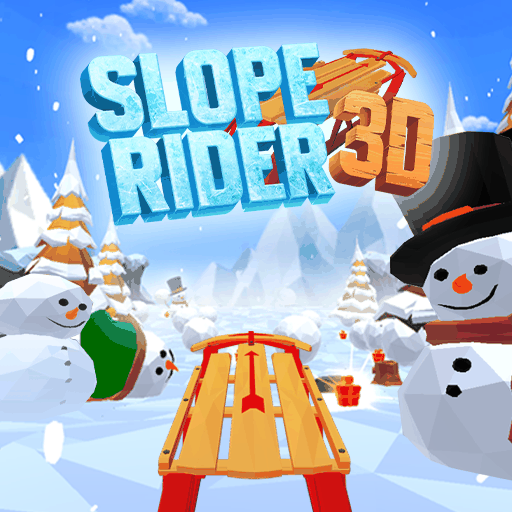
Choose the winter sequel when you want changing terrain and a Normal or Hard starting point alongside the sled’s jumps and gifts.
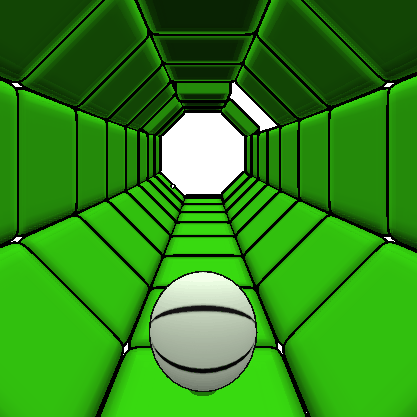
Choose connected tube panels when you want lateral route reading around missing floor without a documented separate jump input.

Choose side-view platforms when the main task should be jump timing and adapting to a new movement form after a portal.
| Preference | Selection rule | Keep in mind |
|---|---|---|
| Ball steering | Lateral control of a ball route | A tube, open track, and neon course still read differently. |
| Manual jumps | A documented jump input | A sled and a side-view character need different timing. |
| Gems or gifts | A collecting/unlock or shop loop | The item is optional; the supporting route still matters. |
| Side-view timing | The 2D portal platformer | Original Slope steering advice does not explain its movement forms. |
A collecting attempt and a survival attempt can use the same game with different priorities. Decide whether you want to learn an input, explore a mode, or work toward an unlock before starting. This makes a missed collectible less distracting when the actual task is landing safely.
For the clearest two-game example, use the Slope and Slope 2 case study. For a new original-game session, use the learning ladder. The selector narrows a choice; the individual guide explains the controls.
After filtering, open a result and check its input before Play. A jump button, a keyboard pair, and on-screen touch arrows are different setups. Choose a game whose required actions you can actually deliver on the device in front of you.
If you need to inspect your setup, start with the browser preflight or phone input limits. You can also use the complete seven-game directory without filtering. All titles and descriptions remain in the page when JavaScript is unavailable.