When Slope does not respond to the keyboard
Before blaming steering sensitivity, check where the keys are going. A loaded game, a focused page, and a focused text field can receive the same physical key differently.
Try the keys in this test area
No steering key has been received here yet. This checks the page’s test area, not the running game.
The box reports a key only while it receives the event. It does not send that key to Slope or measure response time. After testing here, go to the running player and click inside it; the focus target must change too.
Follow the input to the right place
Compare the two targets directly. Press a steering key in the test box, then click the loaded game and press the same key. If the box responds, this page received that key. A game that stays unresponsive may still have a focus, start-state, or game-input problem; this test does not identify which one.
Match the first symptom
| Symptom | Try first | What to avoid concluding |
|---|---|---|
| Arrows scroll the article | Click inside the running game and test again. | That the ball needs different physics settings. |
| A/D appears in a text field | Leave the field and focus the game. | That A/D is unsupported everywhere. |
| The test box works, the game does not | Check game load/start state and focus. | That the test forwards keys into the game. |
| Input works but movement is hard to see | Inspect frame delivery. | That every late-looking move is lost focus. |
| Only a device shortcut occurs | Check the supported keyboard/device setup. | That the site can override all operating-system behavior. |
Confirm the original keys
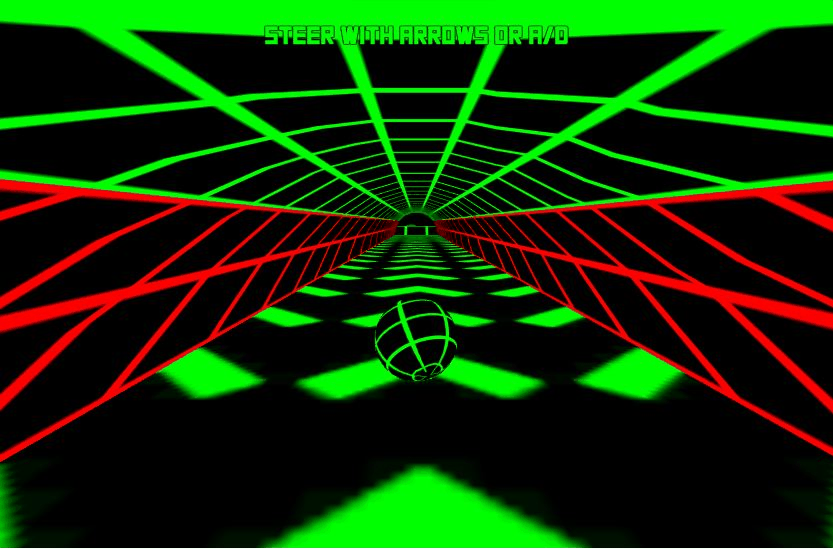
Use one supported pair for the test
Choose arrows or A/D, then make a short input on a wide section. Switching pairs during a difficult dodge adds another variable. The full control reference separates steering from Play, Reset player, and Fullscreen.
If focus is still unclear
Return to the normal player view, click the game once, and test the same pair again. If a browser message or game start screen is present, resolve that stage before judging movement. A poster or unfinished load cannot demonstrate working steering.
On a touch-only device, this keyboard experiment does not create an input method the game lacks. See mobile input limits. On a managed Chromebook, device rules may affect the session; see the Chromebook checks. If the issue persists, report which target received the key and what the game displayed.